IPTV North on Smart TV: Samsung, LG & Android TV Guide (2026)
You don't need a box to watch IPTV North — most Smart TVs sold in Canada can run it directly. This guide covers Samsung, LG and Android/Google TV models, with the best app for each and the exact setup steps.
Can my Smart TV run IPTV North?
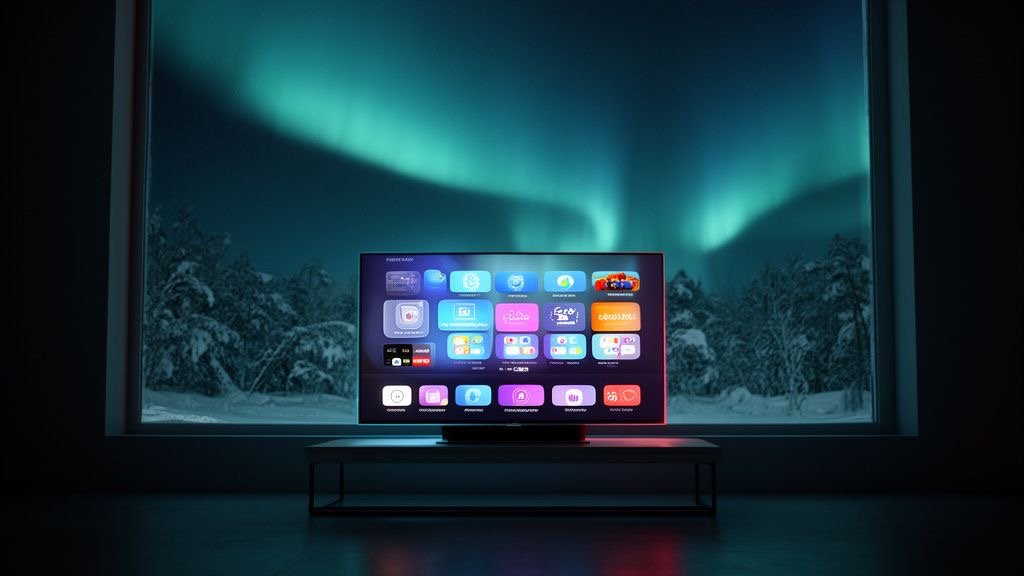
Almost certainly. IPTV North works on any Smart TV that can install an IPTV player app. In Canada, that covers three big families:
- Samsung — Tizen OS (2018 models and newer work best).
- LG — webOS (webOS 4 / 2018 and newer).
- Android TV and Google TV — Sony, TCL, Hisense, Philips and others.
Roku TVs and very old Smart TVs have limited IPTV app support; for those, a Firestick ($50–$80) is the easiest solution — see the IPTV North Firestick guide.
Samsung Smart TV (Tizen)
Best apps
IBO Player, Smart IPTV, SS IPTV and Hot IPTV are available in the Samsung app store in Canada. We recommend IBO Player for stability.
Steps
- Press Home on your remote and open Apps.
- Search for IBO Player and install it.
- Open the app. It displays a MAC address and a device key.
- Send a photo of that screen to IPTV North on WhatsApp — we add your playlist — or add your IPTV North M3U link yourself on the app's website.
- Restart the app. Your channels, TV guide and VOD load automatically.
LG Smart TV (webOS)
Best apps
IBO Player, Smart IPTV and SS IPTV are available in the LG Content Store.
Steps
- Press Home and open the LG Content Store.
- Search for IBO Player and install it.
- Open the app and note the MAC address and device key.
- Send them to IPTV North on WhatsApp, or add your M3U link on the player's website.
- Restart the app and start watching.
Android TV and Google TV (Sony, TCL, Hisense…)
Android-based TVs are the easiest: you get the same apps as on a Firestick, directly from Google Play.
- Open the Google Play Store (on Google TV: Search → Apps).
- Install TiviMate or IPTV Smarters Pro.
- Choose Add playlist → Xtream Codes.
- Enter your IPTV North server URL, username and password.
- Wait for the channels and TV guide to load, then start watching.
Full steps: IPTV North on Android TV.
Why do Smart TV apps ask for a MAC address?
Samsung and LG IPTV players don't use a typed login. Instead, they identify your TV by its MAC address and load the playlist linked to it on the developer's server. The MAC address is not a password and is safe to share with our support team. If you reset the app or buy a new TV, the MAC address changes and the playlist needs to be added again.
Do Smart TV IPTV apps cost money?
Most Samsung and LG IPTV players offer a free trial period, then ask for a small one-time or yearly activation fee paid to the app developer. This is separate from your IPTV North subscription. Android TV apps like IPTV Smarters Pro are free, and TiviMate has an optional premium upgrade.
Smart TV vs Firestick: which is better for IPTV North?
| Smart TV app | Firestick 4K Max | |
|---|---|---|
| Extra hardware | None | $50–$80 |
| App choice | Limited on Samsung/LG | All Android apps |
| TV guide quality | Good | Excellent (TiviMate) |
| Speed on older TVs | Can be slow | Fast |
| Ethernet | Usually built in | Adapter needed |
If your TV is recent and the app runs smoothly, the built-in app is perfect. If menus feel slow or you want TiviMate's guide, add a Firestick.
Best picture settings for IPTV on a Smart TV
- Turn off motion smoothing (Auto Motion Plus on Samsung, TruMotion on LG) for movies; try it on Low for sports.
- Use Ethernet — most Smart TVs have a port, and it's the best fix for buffering.
- Disable Instant On / Quick Start if the IPTV app doesn't reload properly after standby.
- Keep the TV firmware updated for app compatibility.
- Choose FHD channels if 4K stutters on Wi-Fi.
Troubleshooting
| Problem | Fix |
|---|---|
| “Playlist not found” | Check the MAC address and device key were entered correctly, then restart the app. |
| No TV guide | Wait a few minutes, then reload the EPG in the app's settings. |
| App disappeared from the store | Use another player listed above or add a Firestick. |
| Buffering | Ethernet, FHD version, router restart — see the buffering guide. |
Get IPTV North on your Smart TV today
Ask for the free 24h IPTV North trial and send us your TV's MAC address — we'll set up the playlist for you. When you're happy, choose a plan on the IPTV North pricing page. Quick steps are also on the IPTV North Smart TV setup page.
IPTV North FAQ
Can I watch IPTV North on a Samsung TV without a box?
Yes. Install an IPTV player like IBO Player from the Samsung app store and add your IPTV North playlist.
Which app is best for IPTV North on LG TV?
IBO Player is the most stable choice on LG webOS TVs.
Does IPTV North work on Roku TV?
Roku has limited IPTV app support. A Firestick plugged into the Roku TV is the easiest solution.